
 Audio to keep
Extra-dark brown noise
Hillside Sanctuary
$7one time
- Listening time
- 8 hours
- Download
- MP3 · about 461 MB
- Included
- Audio + playback guide
For personal listening. No music, voice, or added nature sounds.
Sounds to settle into
Deep, steady brown noise for sleep, reading, and quiet focus. Keep a little of that quiet with you.
Brown noise only. No music. No talking.
Hillside SanctuaryA quiet place to return to.
Save it once. Listen without a connection.
Just brown noise, from beginning to end.
One payment. No monthly subscription.
The offline edition
For the last chapter before bed. For a desk that needs a little less distraction. For an evening with nothing else to do.
Hillside Sanctuary is a deep, steady brown-noise recording you can save to your device and return to whenever you like.
A small addition to your routine.
Room to make it your own.
Audio to keepExtra-dark brown noise
For personal listening. No music, voice, or added nature sounds.
Start with a little quiet
Try 60 minutes of the same sound before choosing the full edition.
Make yourself at home
A few simple steps to keep your sound within reach. Choose your device to get started.
The free hour is about 58 MB. The full eight-hour edition is about 461 MB. Allow enough space before downloading.
Download the MP3, then save it to a folder in the Files app that you can find again.
Open the saved file in an audio player that supports local MP3 files.
Set a comfortable volume. Try a short listen with your screen locked before settling in.
Screen-off playback and sleep timers depend on your audio player. Keep the file stored on your device for offline use.
Download the MP3. Your browser will usually place it in the Downloads folder.
Find the file in your Files app and open it with an audio player that supports local MP3 files.
Set a comfortable volume and check that playback continues when you lock your screen.
Screen-off playback and sleep timers depend on your audio player. Keep the file stored on your device for offline use.
Download the MP3 to your Music folder, or another place that is easy to return to.
Open the file in your computer’s music app or another player that supports MP3 audio.
Save it as a favorite in your player. Check your computer’s sleep settings if you plan a longer session.
Once downloaded, the file can play without an internet connection. Your computer and player control when playback stops.
Before you settle in
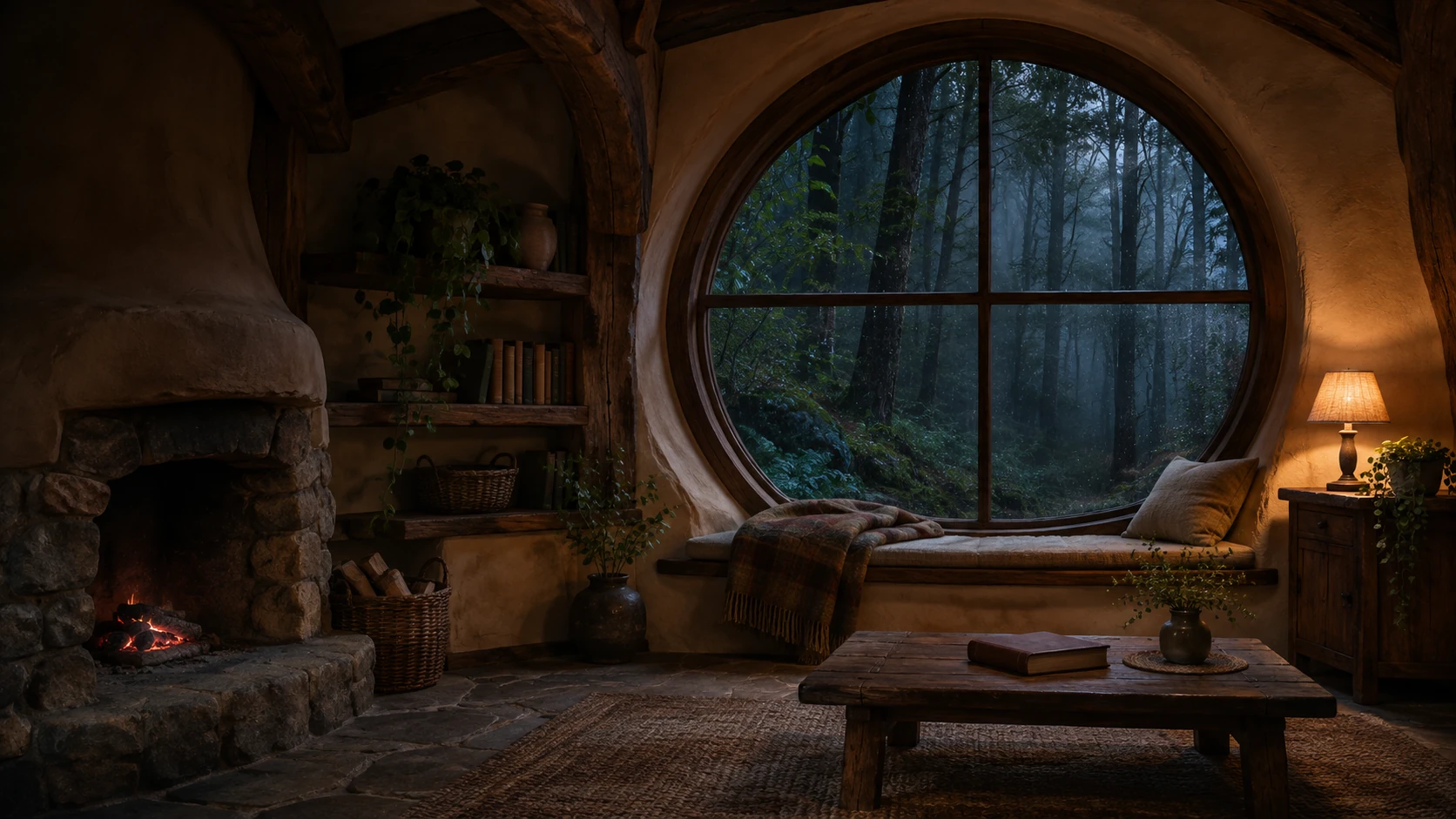
A deep, steady brown-noise texture. The preview, free hour, and full edition use the same recording. There is no music, talking, rain, or fireplace audio. The cottage image simply sets the scene.
No subscription is required. You need an audio player that supports local MP3 files; many devices already include one. Your player controls screen-off playback, repeat, and sleep timers.
Yes. You can explore Sounds X Slumber on YouTube. The offline edition gives you a file to save for personal listening without a streaming connection.
Sample signup is being prepared. When it is ready, the Sounds X Slumber form will handle your email preference and download delivery.
This download is for personal listening. It does not include permission to resell, redistribute, or use the audio in published or commercial content.